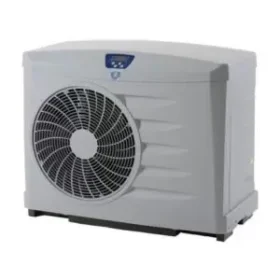
 Pool Heaters
 Spa Bath Pumps
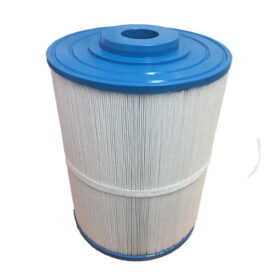 Spa Replacement Cartridges
 Spa Chemicals
 Touchpads, Overlays & Air Switches
 Headrests, Pillows & Accessories
 Pool Slides, Water Features & Jets
 Nature 2 Sanitising
 Valves, Fittings & Plumbing
 Pool Rails, Ladders & Accessories
 Pump & Filter Covers
 All Above Ground Pools
 Hydrium Pools
 Laghetto Pools
 Rectangular Pools
 Round Pools
 Oval Pools
 Lay-Z-Inflatable Spas
 Bestway Accessories
 Replacement Liners
 Bestway Pools in Perth
 Filter Pumps & Cartridges
 Above Ground Pool Covers
 Toys
Toys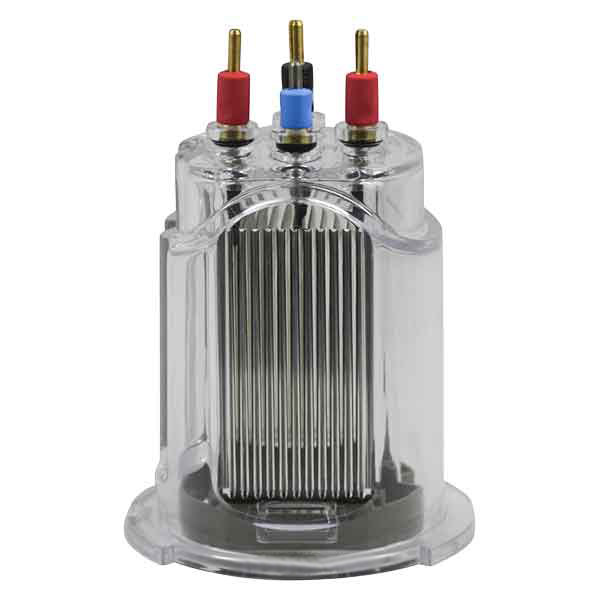
How To Replace
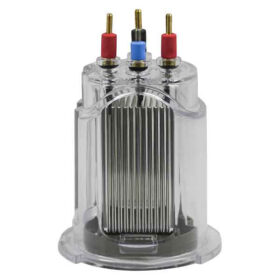
Replacing Zodiac Ei Chlorinator Cell
When replacing this electrode you should reset the cell OPERATING HOURS. The system has a built in HOUR meter recording your run time of the electrode.
If you get a message “CHECK CELL” this does not stop your chlorinator from working but rather a bit of information telling you a cell change is due (similar to modern cars that have annoying hour meters built in).
The CHECK CELL message on your Chlorinator is not always a fault, it is simply to remind you to check your equipment from time to time. It comes up when your cell has done 6000 hours or more.
To reset your run hours (recommended when installing this new cell) or to clear the message please follow these steps:
- Press and hold the MINUTE button for about 10 seconds, until you see the CELL HRS & CHLOR HRS displayed.
- Press the HOURS button to reset the CELL HRS. NOTE: The CHLOR HRS cannot be reset.
- Press CLOCK button to get back to the main menu. The message will now be gone.
NOTE: Your chlorinator was still working as normal while this message was on the screen.